AI Product Images for Marketplace Sellers
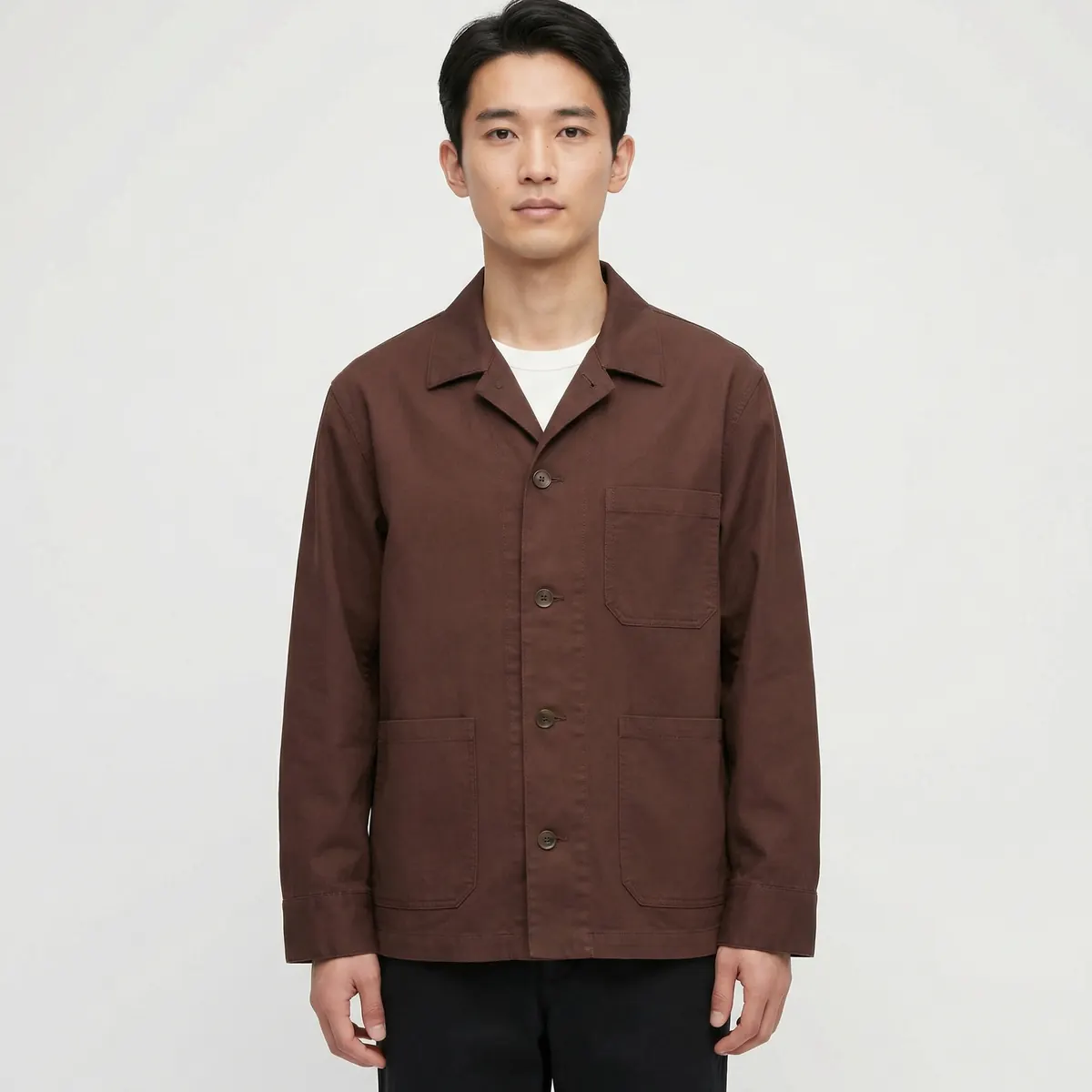
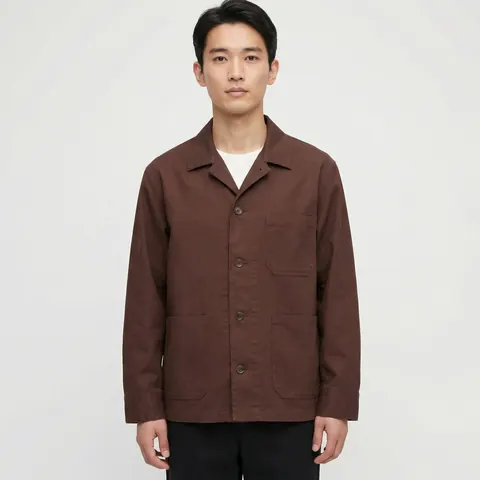
AI product images help marketplace sellers produce compliant, on-brand image sets at the scale marketplaces demand — clean heroes, consistent on-model shots, and full angle coverage across hundreds of SKUs — without a reshoot every time a platform tightens its listing rules. The technology solves the volume problem; the compliance problem still has to be checked against each marketplace's current, published requirements before a batch goes live.
Why marketplace imagery is harder than it looks
A brand selling direct-to-consumer controls its own product page and can style images however it likes. A brand selling on a marketplace does not have that freedom. Amazon, Zalando, Farfetch, ASOS and comparable platforms each publish their own listing image guidelines, and those guidelines commonly govern things like background treatment for the primary image, minimum resolution for zoom functionality, and rules around on-model versus flat-lay presentation for certain categories. The specifics differ by platform and change over time, so treat any numeric requirement you've heard as a starting point to verify, not a fixed fact to build around blind.
A seller listing across three or four marketplaces at once is effectively maintaining three or four separate image specs for the same catalog. Multiply that by hundreds of SKUs and image production becomes one of the largest recurring costs in running a multi-marketplace operation — which is exactly the volume problem AI product imagery is built to solve.
General patterns across major marketplaces
While exact numbers vary and change, a few patterns show up consistently enough across major marketplaces to plan around — always confirmed against the specific platform's current published spec before a batch ships.
Clean primary image
The main listing image on most marketplaces is expected to show the product alone, typically against a plain white or near-white background, with no props, no watermarks, and no marketing text overlaid on the frame.
Resolution built for zoom
Marketplaces that offer a zoom-on-hover or pinch-to-zoom feature generally expect images well above typical web resolution, so shoppers can inspect texture and detail before buying. Building every image at the highest resolution your pipeline supports, then downscaling per-channel, avoids re-shooting for zoom compliance later.
On-model rules by category
Apparel categories on fashion-focused marketplaces frequently expect or require on-model shots rather than flat-lay or mannequin images, particularly for the primary listing image. Home goods, electronics and most non-apparel categories usually expect the opposite — a clean product-only shot.
Consistent aspect ratio within a category
Most marketplaces standardize aspect ratio within a product category so that grid and search-result thumbnails line up cleanly. A set that mixes square and portrait crops within the same category tends to look inconsistent in a marketplace's own search results, independent of any hard rule against it.

Avoiding the rejection cycle
The most expensive part of marketplace imagery is rarely the initial production cost — it is the rejection cycle. A listing image that fails a platform's automated or manual review gets bounced back, the seller reworks it, resubmits, and waits again, all while the listing sits unpublished or flagged. For a seller launching dozens of SKUs at once, a rejection rate of even ten percent on first submission can add days to a launch.
The fix is checking against the platform's current published image guidelines before production starts, not after a batch is already built. A pre-submission checklist covering background compliance, resolution, aspect ratio, category-specific on-model rules, and any prohibited elements — text overlays, watermarks, borders — catches the overwhelming majority of rejection causes before a single image is uploaded. Because marketplace guidelines are updated periodically, it is worth re-verifying the checklist against the live spec at the start of each new launch cycle rather than relying on a checklist built for a previous one.

Building compliant sets at SKU scale
Once a checklist is locked for a given platform and category, the production question becomes purely one of throughput: can the same visual system be applied consistently across every SKU in the catalog, or does quality drift as volume increases? This is where AI product imagery outperforms a traditional multi-session shoot. A locked background treatment, lighting setup and crop ratio can be applied to a reference photo for SKU 1 and SKU 400 with the same fidelity, because the system producing the image is the same system for every SKU in the batch — nothing depends on a photographer's studio setup being identical session to session.
That consistency matters beyond compliance. Marketplace shoppers browsing a seller's storefront or a search results grid notice when image quality and styling vary SKU to SKU, and it reads as an unreliable seller even when every individual image is technically compliant.
Multi-platform sellers versus single-platform sellers
| Factor | Single marketplace | Multi-marketplace (3+) |
|---|---|---|
| Image specs to track | One evolving spec | Several, each changing independently |
| Rejection cost | Contained to one channel | Compounds across every channel per SKU |
| Best production approach | Build once, verify against spec | Build a master set, derive per-channel crops from it |
| Consistency risk | Lower | Higher without a locked visual system |
Sellers on a single marketplace can often verify and produce for that one spec directly. Sellers spread across several platforms generally do better building one high-resolution master image set per SKU, then deriving each platform's required crop, aspect ratio and resolution from that master — rather than producing separately for each channel from scratch.
What to verify before every launch
Marketplace image policies are not static, and a spec that was accurate a year ago may have since changed — resolution minimums get raised, background rules get tightened, category-specific on-model requirements shift. Before any batch goes into production, pull the current published image guidelines directly from the marketplace's seller documentation for each category being listed, and confirm the checklist against that source rather than a prior batch's assumptions. This single step prevents the majority of costly rework late in a launch.
For the underlying production workflow behind building a catalog-scale, consistent image set, see our guide to AI product images, and for how the full stack of hero, angle, lifestyle and detail images comes together, see our AI ecommerce photography service page. Sellers running apparel through on-model shots alongside marketplace listings may also find our AI product photography page useful for how the two workflows share one pipeline.