AI Product Images: The Complete Guide
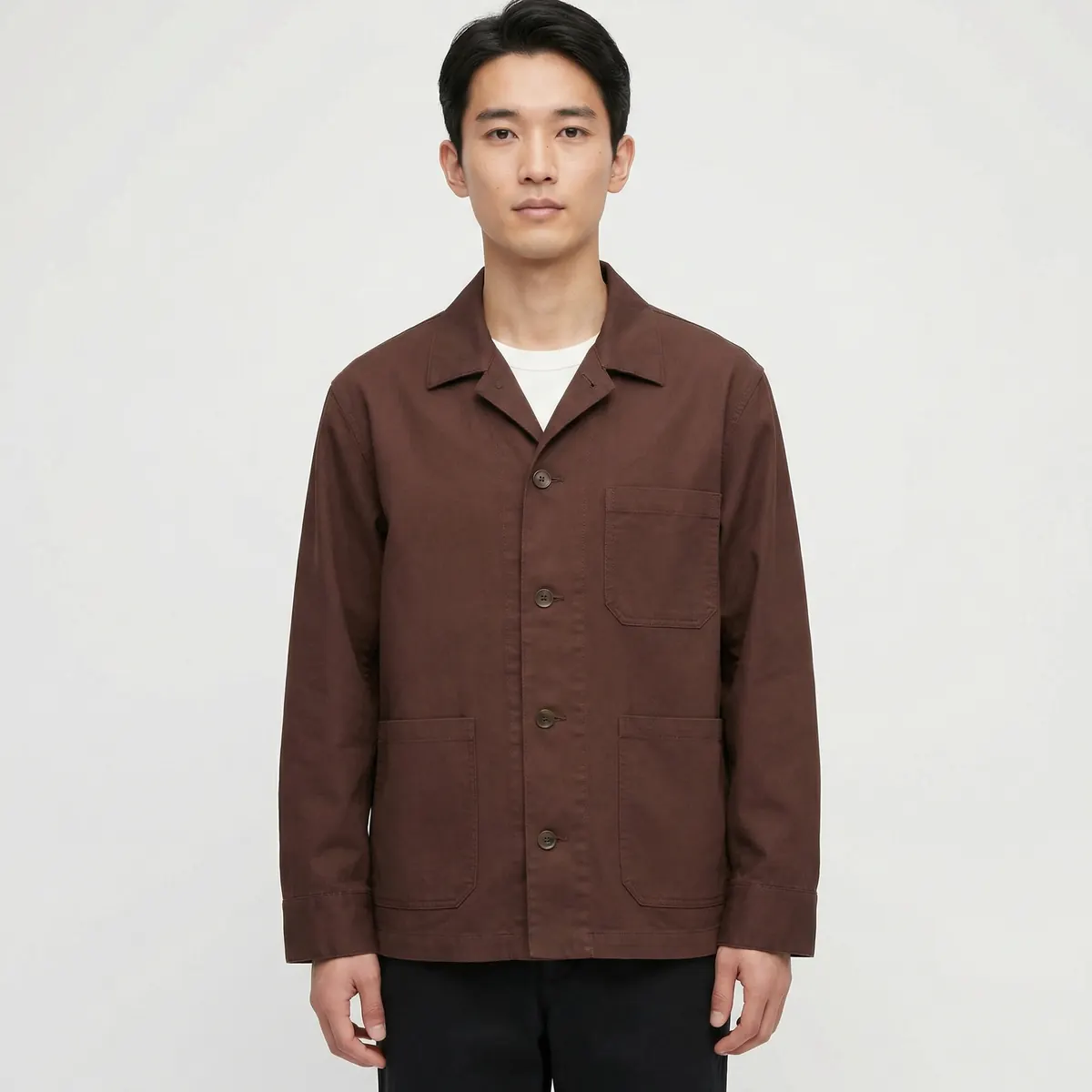
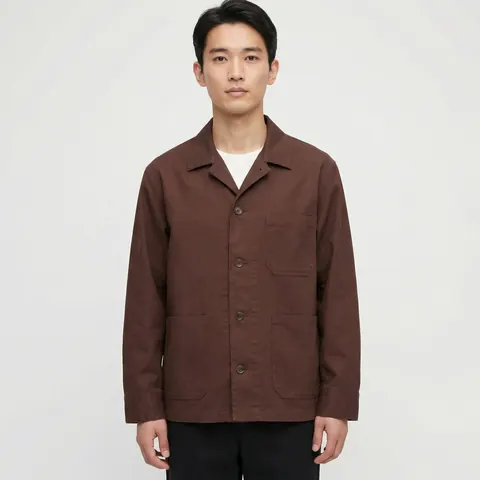
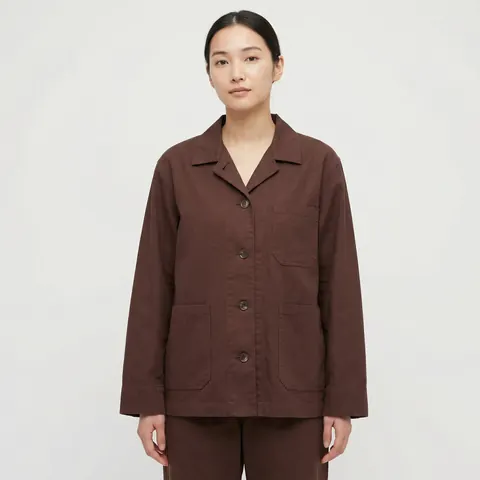
AI product images are photograph-quality ecommerce visuals produced from a generative pipeline instead of a camera and a studio. The product itself is matched exactly to a reference photo — color, material, logo, proportions — while the background, lighting and setting around it are generated to fit the brief.
What AI product images actually are
An AI product image starts from a real photo of the item — a flat-lay, a ghost-mannequin shot, or a simple studio frame on a plain background. That reference anchors the product's shape, color and detail. A generation model then builds the rest of the frame around it: a clean white backdrop for a marketplace hero, a styled interior for a lifestyle shot, or a model wearing the item for an on-body frame. The product does not change between these variants. The context around it does.
This is different from a fully synthetic product render, where nothing in the image ever existed. AI product imagery, done properly for ecommerce, is reference-anchored: it starts from something real and extends it, rather than inventing the product from a text description.
The quality bar that actually matters
For product photography specifically, one rule overrides everything else: the product must be exact. A buyer who receives an item that looks different from the listing photo files a return and leaves a bad review, and that single failure mode is more costly than any stylistic flaw in the background. Color accuracy, correct logo placement, accurate material texture and true-to-life proportions are non-negotiable.
The environment around the product carries a much lower bar. A generated background, a generated model, a generated setting — these can flex, because a buyer is not evaluating whether the beach in a lifestyle shot is real. They are evaluating whether the product on that beach is the one they are about to buy. Good providers treat these as two separate quality checks: product fidelity, checked against the reference photo pixel by pixel where it matters, and environment believability, checked the way any photograph is checked.
The PDP stack, explained
A complete product detail page needs more than one photo. The standard stack looks like this.
Hero shot
A clean, front-facing image on a white or neutral background. This is the primary image most marketplaces require and the one shoppers see first in search results.
Angle set
Front, back, side and three-quarter views, so a shopper can mentally construct the full object before buying — especially important for anything with dimension, like footwear, bags or furniture.
Detail crops
Close-ups on stitching, hardware, texture or trim. These are the frames a skeptical buyer checks before trusting a listing, and they are often the difference between a sale and an abandoned cart.
In-context lifestyle
The product placed in a real-world setting, giving a sense of scale and use that a studio shot alone cannot provide.
On-body or in-use
For apparel, accessories and anything worn or held, a shot of the product in use answers the fit and function questions a static image cannot.
When AI product imagery works, and when to reshoot
AI product imagery is a strong fit when you need multiple angles or contexts from a single reference, when you are scaling across many SKUs or colorways, when turnaround matters more than a physical shoot's flexibility, or when the product category tolerates a generated environment around an accurate product render.
A traditional reshoot is still the safer choice for products where texture accuracy at extreme macro zoom is the deciding factor — fine jewelry under magnification, or materials with subtle surface variation that a buyer will scrutinize closely. It is also the right call when a legally exact reproduction of packaging, printed text or regulated labeling is required, since those elements need to be pixel-perfect rather than closely matched. Most ecommerce catalogs sit comfortably outside that narrow band, which is why AI product imagery has become the default for high-volume categories.
The cost-per-image math
A traditional product shoot bundles studio time, a photographer, styling and retouching into a day rate, then divides that cost across however many SKUs get through the session. Add more SKUs to the day and the per-image cost drops, but there is a hard ceiling on how many products one crew can shoot in one day, and any new colorway or angle added later means booking another session from scratch.
Generated imagery inverts that curve. The upfront cost is the reference capture and system setup; after that, additional angles, colorways and contexts scale with far lower marginal cost, because there is no new studio day required for each variant. The gap is small for a single hero shot of one product, and it widens fast as the catalog grows — more SKUs, more angles, more seasonal refreshes, more markets each needing a slightly different context.
Common mistakes brands make with AI product images
Most quality problems trace back to a handful of avoidable errors rather than a limitation of the technology itself.
Starting from a weak reference
A blurry, poorly lit or heavily shadowed source photo limits what any generation pipeline can do with it, because the model has less accurate information about the product to work from. A clean, well-lit reference on a plain background is worth more than any amount of prompt refinement after the fact.
Skipping the fidelity check
It is tempting to approve a batch on first look because the images look polished. The specific check that matters for ecommerce is a side-by-side comparison against the reference — color, proportion, logo placement, material texture — not a general impression of quality. Polished and accurate are different things, and only one of them prevents returns.
Treating every SKU as a one-off
Generating images SKU by SKU, with a fresh set of decisions each time, produces the same inconsistency problem a traditional multi-session shoot has. The advantage of a generative pipeline only shows up once a visual system is locked and applied uniformly across the batch.
Ignoring platform-specific requirements
A hero shot built for one marketplace does not automatically satisfy another. Background rules, minimum resolutions and text-overlay restrictions vary by platform, and building to the strictest common standard usually costs less than reworking images per channel after the fact.
What good AI product images look like in practice
The tell for a well-produced set is not that it looks impressive in isolation — it is that it looks unremarkable, the way a competent traditional product shoot looks unremarkable. Consistent white balance across the angle set. A hero shot with no visible seams between subject and background. Detail crops sharp enough to hold up at marketplace zoom. Lifestyle shots where the product, not the setting, is clearly the subject. None of that requires a viewer to notice the production method, which is the point.
Choosing a provider
Three questions separate a provider that will hold up at catalog scale from one that will not. First, how do they handle product fidelity — do they show you a side-by-side of the reference and the output before you commit to a batch? Second, can they lock a visual system across hundreds of SKUs, or does every image look like it came from a different session? Third, what happens to usage rights on delivery — do you own the images outright, or is there an ongoing license fee that erodes the cost advantage over time?
It is also worth asking how revisions work. A provider that treats a revision as a full re-negotiation, rather than a normal part of the process, will slow down exactly the workflow you are trying to speed up. Clear turnaround expectations, a defined revision process and transparent rights transfer are the operational details that determine whether a good first project turns into a reliable ongoing production line.
A capable partner will walk through all three before quoting a project, not after. See our related breakdown of what it takes to run product photography at scale for ecommerce catalogs for the production workflow behind these numbers, and our full service page on AI ecommerce photography for how the stack comes together end to end.