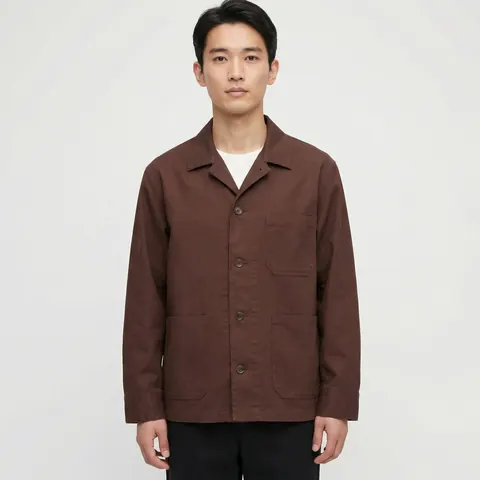
Product Photography at Scale for Ecommerce Catalogs
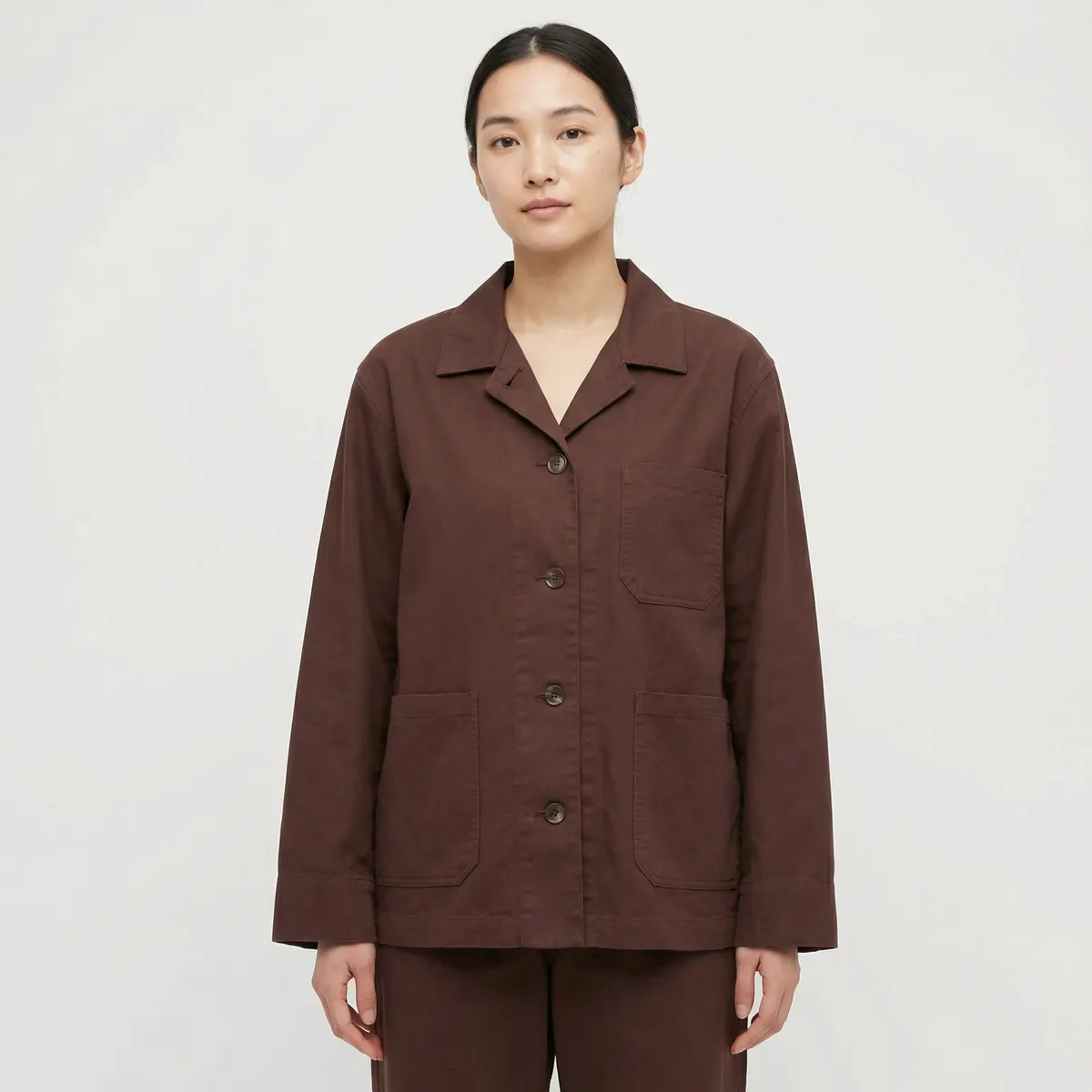
A single great product photo is easy. A catalog of five hundred SKUs that all look like they came from the same shoot, refreshed every season without blowing the budget, is a production problem — and it is the problem most ecommerce teams are actually trying to solve.
The catalog problem
Most ecommerce brands do not have a photography problem in the narrow sense. They can produce one good image. What breaks down is everything downstream of that: consistency across hundreds of SKUs, a launch cadence that keeps adding new products mid-season, and a range that needs to look coherent whether a shopper lands on the homepage, a category page or a single PDP.
A traditional studio model handles this by booking one long session and pushing as many SKUs through it as the day allows. That works until the catalog grows past what a single session can cover, or until a new product needs to be added between shoots, or until a season changes and the whole range needs a refreshed look. Each of those moments forces another booking, another crew, another few weeks of lead time.
The problem compounds with growth. A catalog of fifty SKUs can usually get through one or two studio days a year without much strain. A catalog of five hundred, growing by dozens of new products a month, turns photography into a recurring operational bottleneck rather than an occasional project — and it is usually the merchandising or ecommerce team, not the photography budget line, that feels the delay first when a launch date slips waiting on imagery.
The batch production workflow
Treating product photography as a batch process rather than a series of individual shoots changes the economics. Instead of scheduling a session per product drop, the workflow separates into two stages that do not need to happen at the same cadence.
Reference capture
Every product gets a clean reference image — flat-lay, ghost-mannequin or simple studio shot on a plain background. This step can happen continuously as new SKUs come in, without waiting for a full shoot day.
Batch generation
Once references are in hand, the full image set — hero, angles, detail crops, lifestyle context — gets generated against a locked visual system, in batches sized to whatever the launch calendar requires. A batch of ten SKUs and a batch of two hundred run through the same process; only the volume changes.
Locking a visual system
Consistency at volume comes from deciding a small set of variables once, then applying them without exception across the range.
- Angle set — the same fixed views (front, back, side, three-quarter) for every SKU in a category, so category pages read as one grid rather than a mix of framings.
- Lighting — a single lighting setup, replicated exactly rather than re-approximated per session, so shadows and highlights match across the catalog.
- Backgrounds — one background treatment per image type (white for marketplace heroes, a defined lifestyle palette for context shots), locked before production starts.
- Color calibration — every image checked against the same reference standard so a red shirt looks like the same red across every angle and every SKU.
Once this system is locked, new SKUs slot into it without a design decision being made from scratch each time. That is what allows batch sizes to flex without the catalog drifting in look over time.
QC at volume
Quality control changes shape once you are checking hundreds of images instead of dozens. Spot-checking every frame individually does not scale, so the practical approach is a two-tier review: an automated or fast visual pass that flags anything obviously off — a mismatched angle, a background that slipped off-spec, a color that reads wrong — followed by a human review focused specifically on product fidelity, since that is the failure mode with the highest cost if it reaches a live listing. Anything that fails either check gets regenerated before it ships, not patched after the fact.
Refresh cycles
Seasonal refreshes are where the batch approach pays off most clearly. Because the product reference and the visual system are both already on file, a new season does not require reshooting the product — it requires generating new context around the same reference: new colorways, a new lifestyle backdrop, a new model look if the campaign calls for one. The lead time for a refresh shrinks from a full studio booking cycle to a production run against assets that already exist.
This matters most for brands running frequent drops rather than two or three seasonal collections a year. A refresh cycle tied to a physical studio calendar forces a brand to plan imagery months ahead of a launch. A refresh cycle tied to a reference library lets imagery follow the launch calendar instead of dictating it.
Managing the transition from studio to batch production
Brands rarely switch their entire catalog over in one move, and there is no need to. A practical rollout starts with one category — often the one with the most SKUs or the fastest launch cadence, since that is where the batch approach pays off fastest. The visual system gets built and tested on that category, checked against existing brand standards, and only then extended to the rest of the catalog. This staged approach also gives a team time to adjust their review process before volume ramps up across every product line.
It is worth deciding early which categories, if any, should stay on a traditional shoot. Hero campaign imagery, or product categories where extreme close-up texture accuracy is non-negotiable, can continue to run through a physical session while the bulk catalog moves to batch production. The two approaches are not mutually exclusive, and most mature ecommerce operations end up running both in parallel, matched to what each category actually needs.
Measuring whether the system is working
A locked visual system should be judged the same way any production process is judged: consistency, throughput and error rate. Consistency means a shopper cannot tell which SKU in a category was added first and which was added most recently — the look should hold regardless of when a product entered the catalog. Throughput means the batch size can flex with the launch calendar without a corresponding jump in production time per SKU. Error rate means the QC process is catching fidelity issues before they reach a live listing, not after a return comes back with a mismatched-color complaint attached.
For the full breakdown of what a complete PDP image set includes, see our guide to AI product images, and for the service that runs this workflow end to end, see AI ecommerce photography. If your catalog also needs fashion-specific styling and lookbook work, our AI photoshoot service covers that alongside the product stack.