AI Product Photography for Shopify Stores
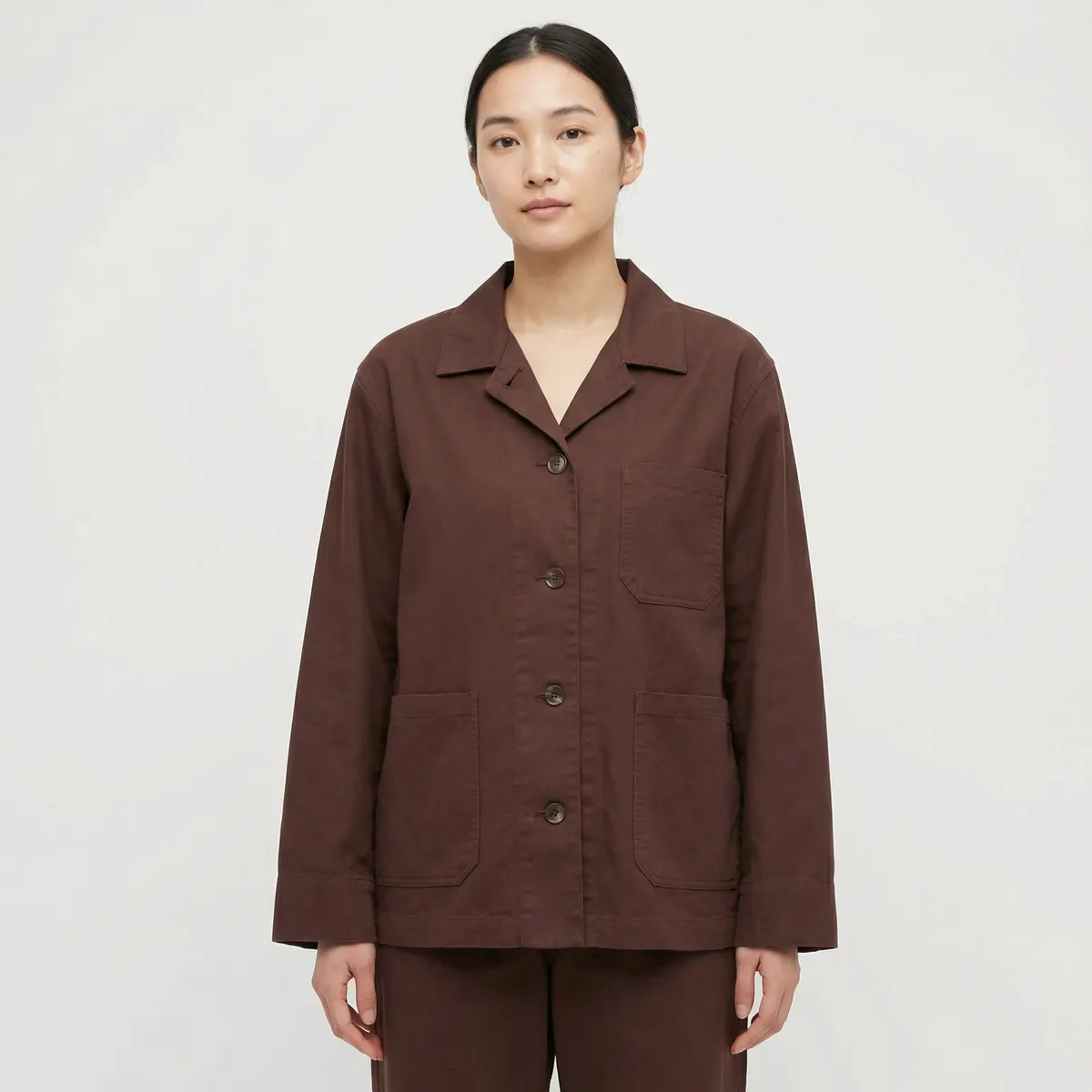
AI product photography lets a Shopify store fill every image slot on a product page — hero, angle set, lifestyle, zoom detail — from a single reference photo, without booking a studio. For a store adding new SKUs every drop, that turns image production from a recurring bottleneck into a repeatable pipeline that runs alongside the buying calendar instead of behind it.
Why Shopify stores run out of product images first
A Shopify product page rewards more imagery, not less. The theme gallery, the quick-view modal, collection grid thumbnails, and the zoom-on-hover interaction each expect a slightly different crop and aspect ratio of the same product. Most small and mid-size stores shoot one or two hero angles per SKU and stretch them across every slot, which is why so many Shopify catalogs look thin compared to the checkout experience around them.
The gap widens every time the catalog grows. A 40-SKU launch needs roughly 200 to 300 finished frames to fill hero, angle, lifestyle and detail slots properly — a volume that a single photographer and a single studio day were never built to produce on a recurring basis. AI product photography closes that gap by treating image count as a production variable instead of a budget ceiling.
Filling every PDP slot without a studio
A Shopify product detail page has a small number of image jobs, and each one benefits from a purpose-built frame rather than a repurposed one.
Hero
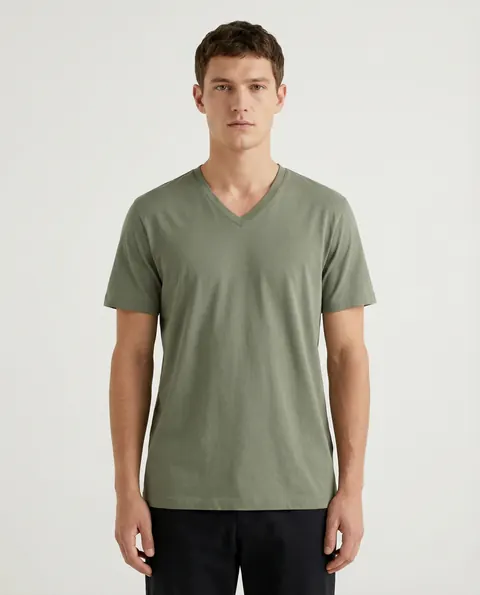
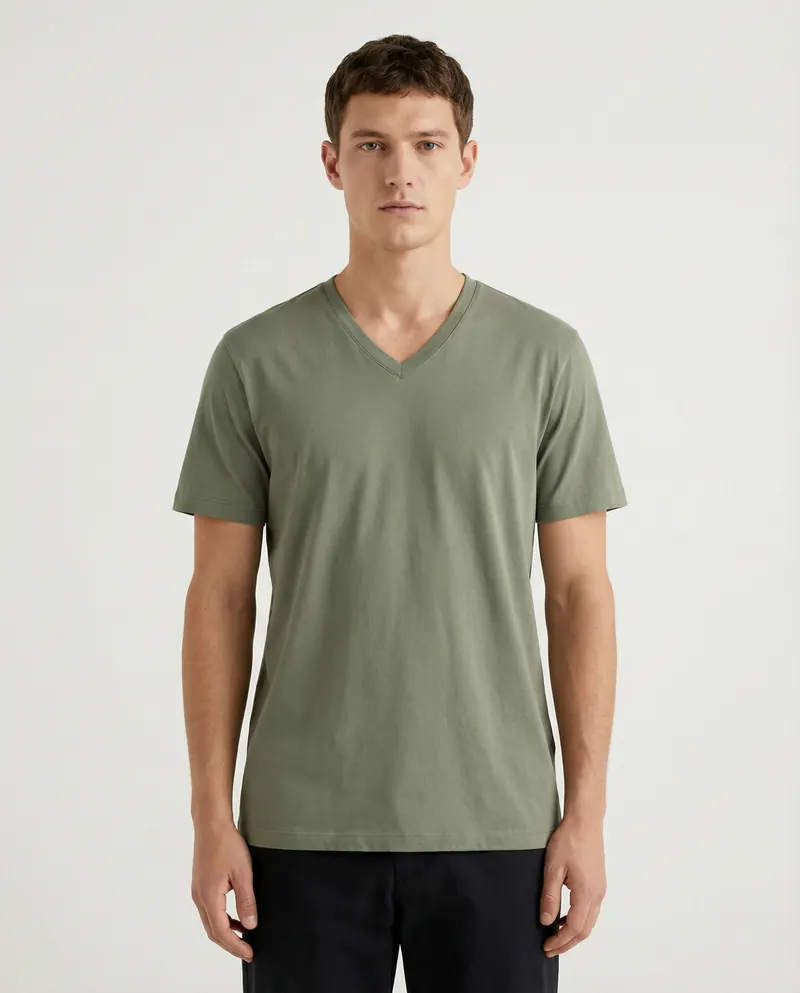
The first image a shopper sees in the gallery and in collection grids. Clean background, accurate color, front-facing.
Angle set
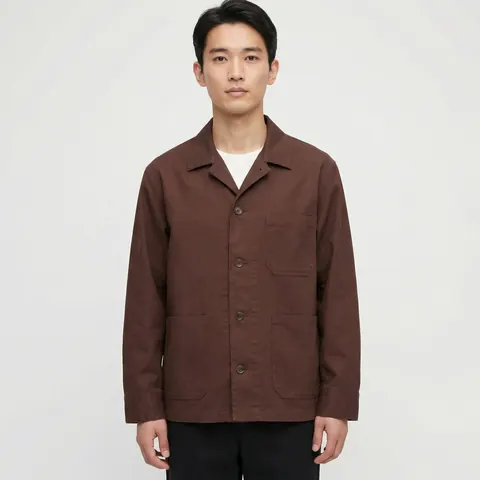
Front, back, side and three-quarter views. Apparel, footwear and bags all convert better once a shopper can build a full mental picture of the item before adding to cart.
Lifestyle context
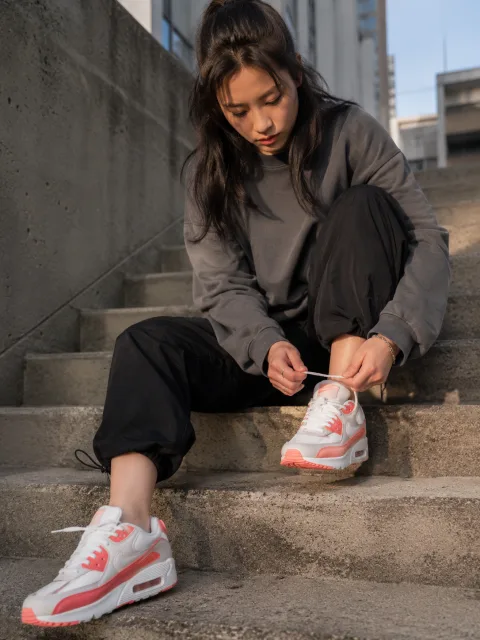
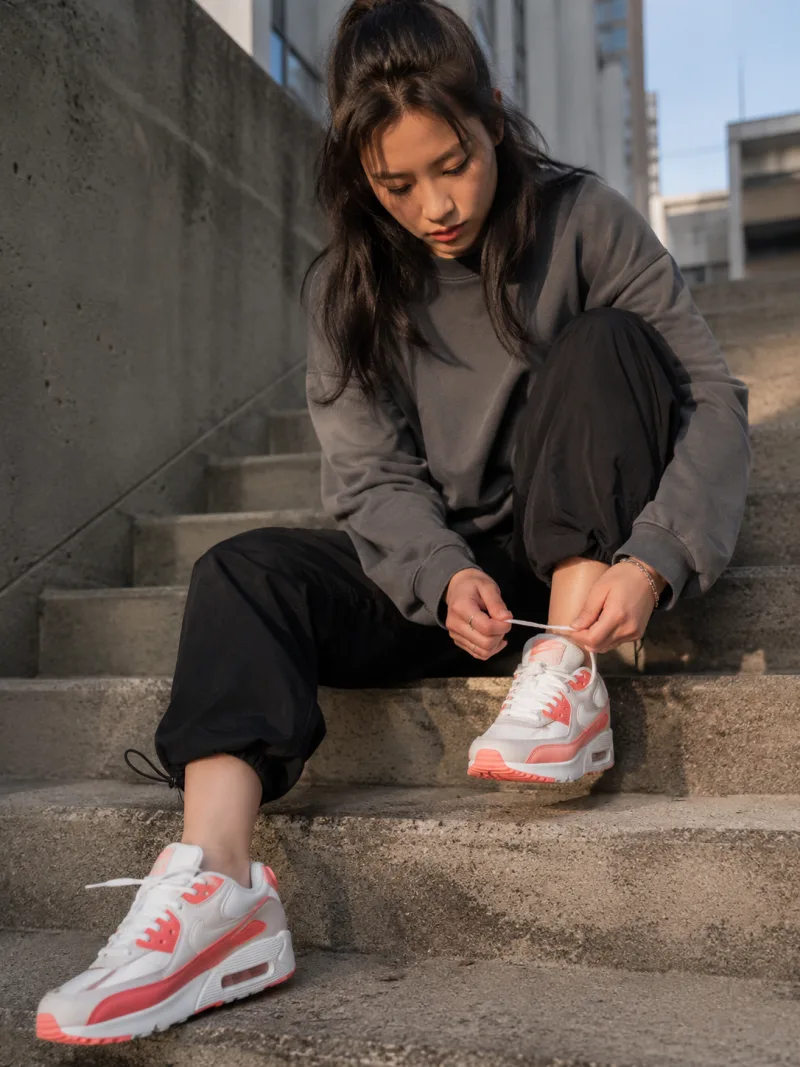
The product shown in use or worn, giving scale and styling cues that a plain studio frame cannot.
Zoom detail
A close crop on stitching, hardware or texture, framed to hold up under the theme's zoom-on-hover or lightbox behavior.
Generated from one clean reference photo, all four can be produced as a matched set, which keeps color and lighting consistent across the gallery instead of looking assembled from different sessions.
Matching your theme's image specs
Every Shopify theme sets its own expectations for aspect ratio, minimum resolution and crop safety, and these vary enough between themes that a set built for one theme rarely drops cleanly into another. Square crops suit most default grid themes; a few premium themes lean on tall 4:5 or portrait ratios for a more editorial feel. Before a batch goes into production, check your specific theme's recommended image dimensions in your Shopify admin or theme documentation, and confirm the safe-crop margins so nothing important sits at the edge of a frame that a mobile gallery might trim.
Building to the correct aspect ratio from the start avoids the compounding cost of resizing and re-cropping an entire catalog after a theme change or a redesign. A pipeline that outputs the exact ratios your theme expects, in the exact pixel dimensions your theme recommends, removes an entire round of post-production work per launch.
Batch production for a catalog drop
A seasonal drop is really a scheduling problem as much as a creative one. Traditional photography ties image output to studio availability — book a day, shoot everything on the calendar for that day, and any SKU added after the fact waits for the next session. That works fine for a handful of releases a year and becomes the limiting factor for a store shipping new product monthly or weekly.
A batch AI pipeline decouples image production from a fixed studio date. Reference photos for an entire drop can be processed together once a visual system — background, lighting style, model direction if needed — is locked, and additional SKUs added mid-batch do not require rebooking anything. The result is a catalog where a 20-SKU drop and a 200-SKU drop follow the same workflow, just at different scale.
Shopify apps versus a done-for-you agency
Store owners generally have two ways to get AI-generated product imagery: a self-serve Shopify app, or a managed agency service. Both use similar underlying generation technology; the difference is who does the quality control and who owns the creative direction.
| Factor | Self-serve app | Done-for-you agency |
|---|---|---|
| Setup time | Minutes to install, hours to learn | Brief once, team executes |
| Consistency across SKUs | Depends on operator skill per image | Locked visual system applied uniformly |
| Fidelity checking | Self-reviewed | Reviewed against reference before delivery |
| Best fit | Small catalogs, hands-on operators | Growing or high-SKU-count catalogs |
| Usage rights | Varies by app's terms | Full commercial rights on delivery |
A self-serve app suits a founder with a small catalog and time to iterate on prompts image by image. A done-for-you service suits a store that needs a full drop's worth of consistent, on-brand imagery delivered against a launch date, with someone else responsible for the fidelity check and the revision cycle.
What to brief before your first batch
A short brief upfront prevents most of the rework later. Send one clean reference photo per SKU — flat-lay or simple studio shot on a plain background works best. Specify your theme's required aspect ratios and pixel dimensions. Decide whether you need on-model shots, and if so, describe the model direction you want (age range, styling, setting) once, so it can be applied consistently across the whole drop rather than negotiated per image.
It also helps to flag any SKUs with unusual production requirements early — fine jewelry, printed packaging with regulated text, or anything where an exact physical reshoot is genuinely the safer call. Flagging those upfront keeps the rest of the batch moving at full speed.
Keeping the catalog consistent as it grows
The biggest visible failure in a fast-growing Shopify catalog is inconsistency — one SKU photographed against pure white, another against off-white, a third with a slightly different studio light temperature. None of these are individually noticeable, but a shopper browsing a full collection page sees it as sloppiness rather than variety. Locking a visual system once, at the start of a drop, and applying it across every SKU in that batch is what keeps a large catalog looking like one coherent store rather than a patchwork of sessions.
For the underlying production workflow behind building that kind of consistent, catalog-scale image set, see our guide to AI product images, and for how the full PDP image stack comes together end to end, see our AI ecommerce photography service page. If your catalog also needs on-model apparel shots, our AI product photography page covers how that fits into the same pipeline.