Product Images That Convert: What Buyers Actually Want
A shopper cannot touch, try on or turn over a product before buying it online. Every question their hands would normally answer has to be answered by the images instead — and the listings that convert tend to be the ones that answer more of those questions, not the ones with the single prettiest photo.
What buyers consistently want from product imagery
Conversion research and general ecommerce best practice point to a fairly consistent set of image needs, even though the exact lift from any one change varies by category, price point and audience. Rather than cite a specific number that would not hold across contexts, it is more useful to look at what these needs have in common: they all reduce uncertainty about the physical object before a purchase decision is made.
That framing matters because it explains why a merely attractive photo is not the same thing as a converting one. A striking hero shot can earn a click from a search results page or an ad, but the images that keep a shopper on the page and moving toward checkout are the ones that answer the specific questions standing between browsing and buying — questions a single beautiful frame usually cannot answer alone.
Multiple angles
A single front-on shot leaves obvious gaps. Buyers generally want to see the back, the sides and any three-dimensional detail that a flat frontal shot cannot convey — this matters more for anything with volume, like bags, shoes or furniture, than for flat items like printed apparel.
Zoomable detail
Close-up crops on texture, stitching, hardware or trim let a buyer inspect quality the way they would in person. Listings that only offer a single low-resolution hero shot tend to leave this question unanswered, which pushes hesitant buyers toward a competitor's listing instead.
Scale and context cues
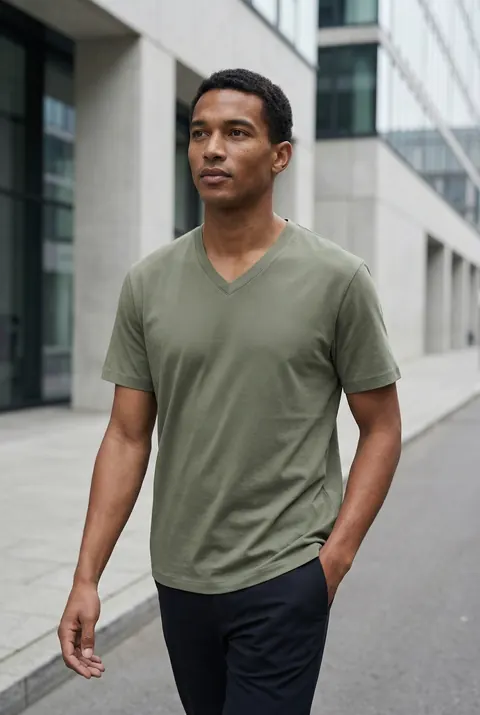
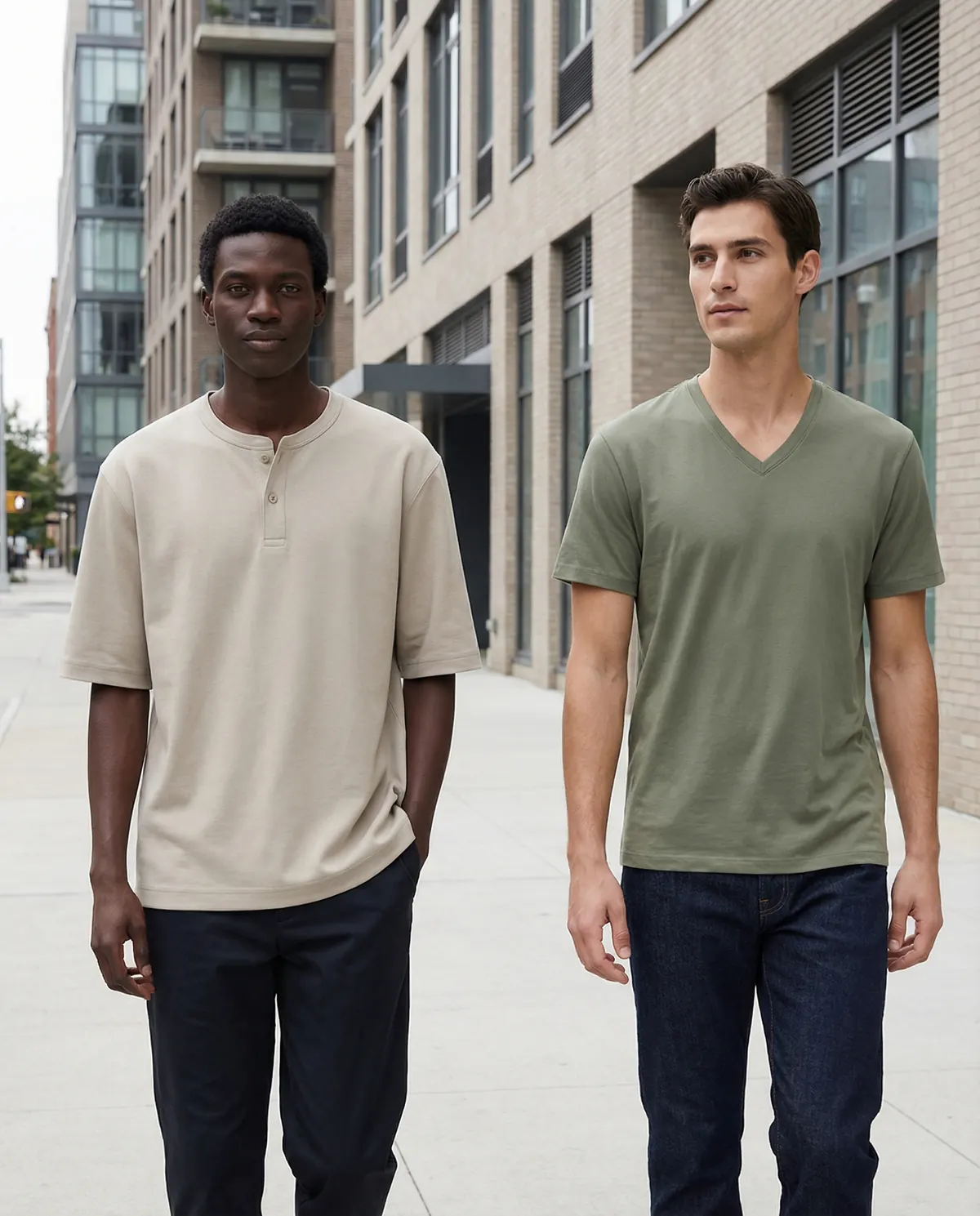
A product photographed in isolation on a white background answers "what does it look like" but not "how big is it" or "how would it look in my life." A lifestyle or in-context shot, even a simple one, gives a buyer a reference point for size and setting that a studio shot alone cannot.
On-body or in-use shots
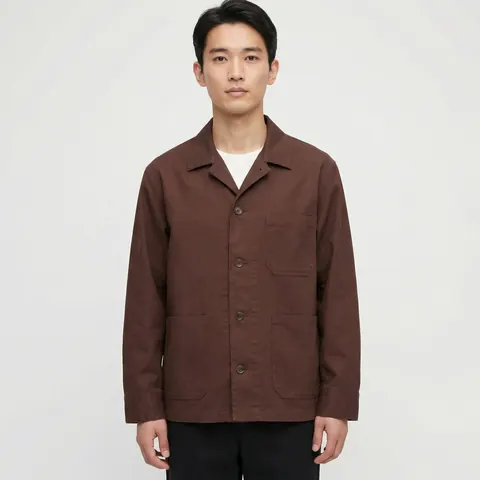
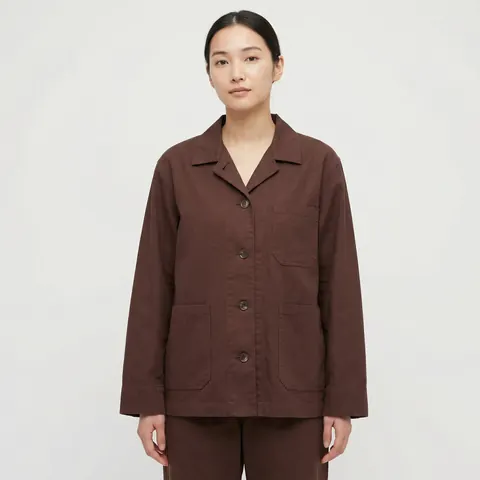
For apparel, accessories, and anything worn or handled, seeing the product in use answers fit and function questions directly. This is generally considered one of the highest-value additions to a listing's image set, because it is the closest a photo can get to a physical try-on.
Why most catalogs fall short of this stack
Knowing what buyers want and being able to afford producing it for every SKU are different problems. A full stack — hero, angles, detail crops, lifestyle context, on-body shots — multiplies the cost of a single studio session several times over per product. Most brands respond by triaging: hero shots for everything, the fuller stack only for bestsellers or new launches, and the rest of the catalog left with a thinner image set than it deserves. That triage is a budget decision, not a preference — most merchandisers would build the full stack for every SKU if the cost per image were low enough to justify it.
Building the stack affordably with AI production
This is precisely the gap generated imagery is suited to close. Once a product has a clean reference photo, the marginal cost of an additional angle, a detail crop, or a lifestyle context shot is far lower than booking additional studio time, because there is no new physical setup required for each variant. The stack that used to be reserved for hero products can extend to the full catalog without a proportional increase in production cost.
The practical approach is the same one used for catalog-scale production generally: capture one clean reference per SKU, lock a visual system for angles, lighting and backgrounds, then generate the complete stack — including the lifestyle and on-body shots that are hardest to justify at traditional shoot-day rates — against that reference. See our breakdown of product photography at scale for ecommerce catalogs for how that batch workflow runs in practice, and our full AI lifestyle photography service for the in-context shots specifically.
Prioritizing which SKUs get the full stack first
Even with lower marginal costs, most catalogs still roll out a fuller image set in phases rather than all at once. A sensible order starts with the SKUs carrying the most traffic and the highest cart-abandonment rate, since those are the listings where an unanswered visual question is costing the most sales. New launches come next, since first-week performance often sets the trajectory for a product's lifetime sales. Long-tail SKUs with low individual traffic but a large combined share of revenue can follow once the workflow is running smoothly, at which point extending the stack to them costs little beyond the batch production already in motion.
Matching the image stack to the category
Not every product needs every element of the stack in equal weight. Apparel and footwear lean heavily on angle sets and on-body shots, since fit is the primary buying question. Electronics and hardware lean on detail crops and scale cues, since specification accuracy and size relative to other objects matter more than how the item looks worn. Home goods sit closer to lifestyle context, since buyers are mentally placing the item in a room before they decide. Building the stack around what a category's buyers actually need to know, rather than applying one template everywhere, produces a tighter set of images without wasted production effort on angles nobody checks.
Testing what actually moves the needle
General guidance about what buyers want is a starting point, not a substitute for checking your own catalog. Because generated imagery makes it inexpensive to produce alternate versions of a listing's image set, it is practical to test a thinner stack against a fuller one on a subset of SKUs and compare results directly, rather than assuming the general pattern applies uniformly to every category and price point in a specific store.
The listings most likely to convert are the ones that leave a buyer with the fewest unanswered questions. Building the full image stack for every SKU, not just the bestsellers, is the most direct way to close that gap.