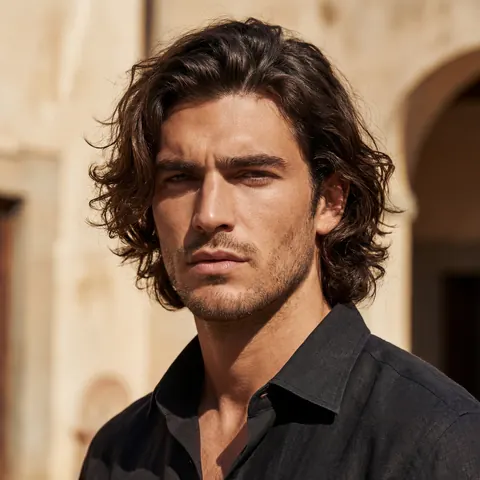
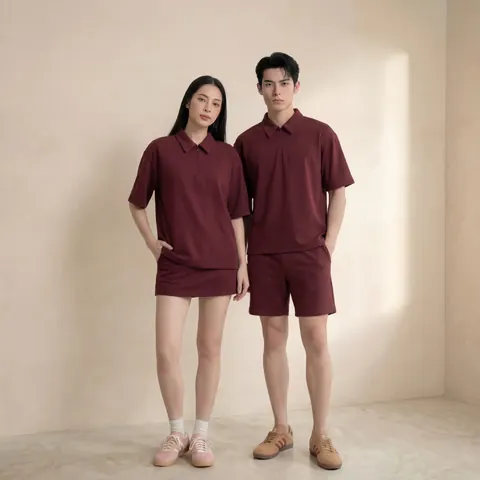
AI Corporate Photography for Teams
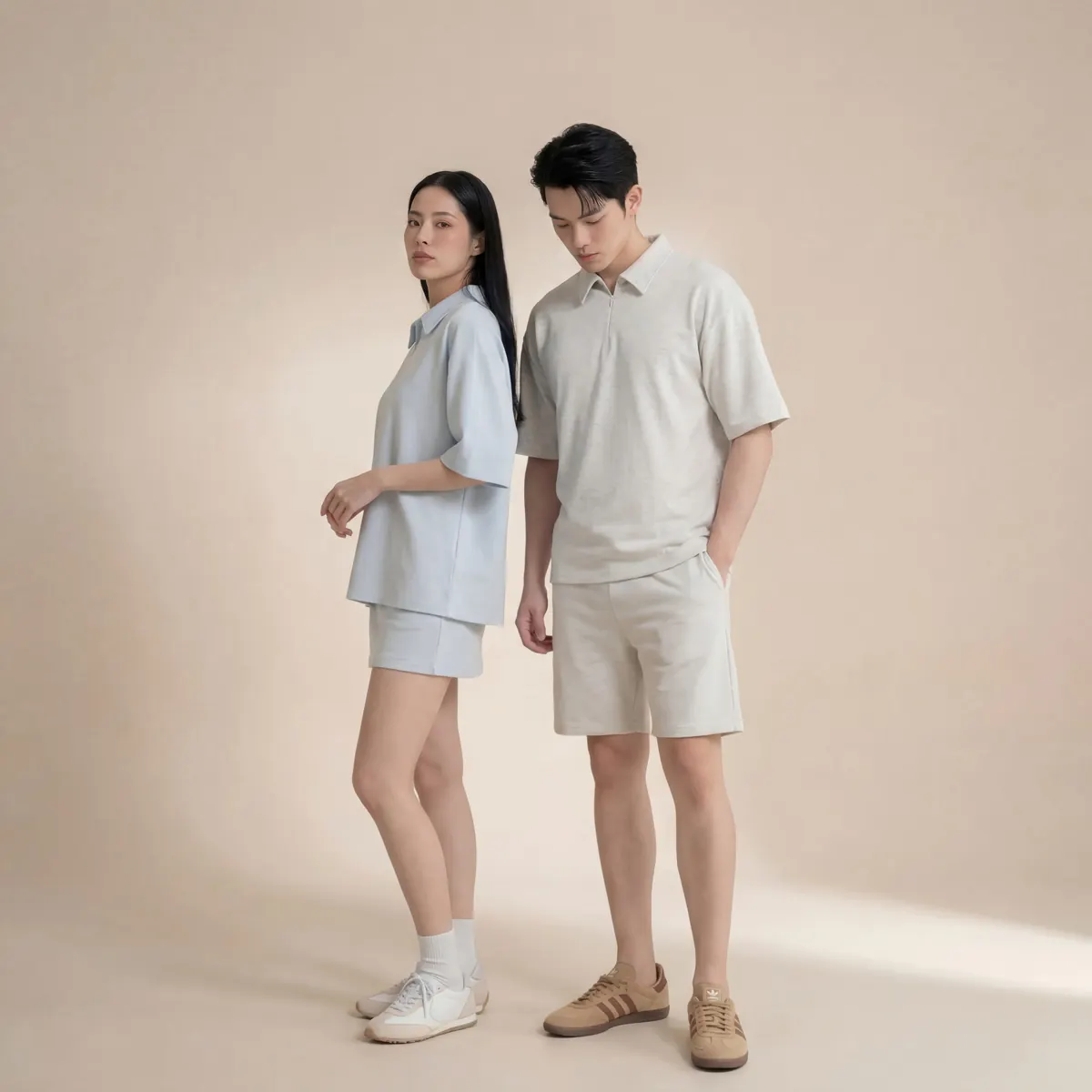
Headshots solve one problem: a face for a directory. Everything else a company needs — a careers page that feels alive, a deck slide that shows real culture, a LinkedIn post about the team offsite — needs imagery that goes beyond a single portrait. AI corporate photography extends the same reference-photo workflow to team scenes, office environments and employer-brand content.
Beyond the headshot: what else companies need
Most companies that start with AI headshots quickly ask for more. A careers page needs people in a workspace, not just a grid of faces. A pitch deck benefits from a shot of the team working together, not four founder headshots stacked in a column. A LinkedIn recruiting post lands better with a candid-feeling scene than a formal portrait. All of this falls under the same umbrella: AI corporate photography, applied to scenes rather than single subjects.
The workflow is the same one used for headshots — real employees submit reference photos, and those references are used to place them into generated scenes — but the output is a composed image with multiple people, an environment, and a narrative moment rather than an isolated portrait.
Marketing teams tend to reach for this once they notice how much of their visual content still runs on stock photography. A careers page built entirely from generic stock imagery of unfamiliar people signals to a candidate that the company either doesn't have real photography or didn't bother sourcing it. Swapping that stock imagery for scenes featuring actual employees, generated to the same visual standard as a professional shoot, changes how a brand reads without requiring an actual production crew on site.
Office and culture imagery
Office and culture shots are the most requested category beyond headshots: people at a shared table, walking through a hallway, gathered around a whiteboard, or at a desk with natural light. These images work best when the generated environment matches the company's actual office style — open-plan, exposed brick, a specific plant wall, whatever is distinctive — rather than a generic stock-photo loft that could belong to any company.
Getting this right takes creative direction upfront: a short brief on what the workspace looks like, or a couple of reference photos of the real office, so the generated environment reads as this company's space and not an anonymous one.
Event-style and employer-brand visuals
Companies also use this workflow to produce event-style imagery — a team offsite, a product launch moment, a holiday gathering — without every employee needing to attend a shoot on the day. These are used across careers pages, recruiting campaigns, internal newsletters and social posts about company culture. Because the imagery is generated rather than captured live, a company can also produce this kind of content for teams that never physically meet, which matters increasingly for fully remote organizations.
This is also where employer branding overlaps with recruiting marketing directly. A recruiting campaign that shows five different scenes of the team — collaborating, presenting, celebrating a launch — performs differently to a candidate than a single static group photo, and building that variety through a physical shoot would mean staging five separate scenes with the same group of people on the same day, which is rarely realistic to schedule.
Example use cases across channels
In practice, the same underlying image set gets reused across several channels: a hero image for the careers page, a cropped version for a LinkedIn recruiting carousel, a wide shot for a conference booth backdrop, and a smaller cut for an internal Slack announcement about a new office opening. Producing all of these from one coordinated shoot — physical or generated — keeps the visual language consistent across every touchpoint a candidate or client might see, rather than each channel accumulating its own mismatched set of images over time.
Keeping global teams visually consistent
For companies with offices across regions, visual consistency is harder than it sounds. A team page built from photos taken in five different offices, on five different cameras, under five different lighting setups, never looks unified — and that inconsistency reads as disorganization to anyone browsing the site. Because every image in an AI corporate photography rollout is generated against the same locked style, a distributed team in Singapore, London and New York ends up with a visually cohesive set of imagery, even though nobody was ever in the same room, let alone the same building.
This consistency compounds over time. As offices expand and teams grow, new locations and new hires slot into the same visual system without needing a fresh photographer relationship in every city.
A workflow HR and marketing teams can actually run
In practice, this tends to split cleanly between two teams. HR owns collection: getting reference photos from employees, tracking who has and hasn't submitted, and handling consent and deletion requests. Marketing owns direction: approving the style frame, briefing what scenes are needed for which channel, and signing off on final assets before they go live on the careers page or into a deck.
A workable cadence looks like this: HR sends a collection link when headcount or office changes reach a meaningful threshold, marketing reviews a batch of scenes against the brief once a quarter, and any urgent one-off request — a new hire spotlight, an unexpected press feature — gets routed as a standalone ask rather than waiting for the next scheduled batch. Neither team needs to manage a photographer's calendar or chase down which employees are traveling that week, which is usually where a physical shoot plan falls apart in a distributed company.
Because requests can be made ad hoc — a new office opening, an updated careers page, a fresh set of images for a conference booth — this becomes an ongoing content source rather than a one-time project, closer to a standing employer-brand asset library than a single photoshoot. For the full breakdown of how individual headshots specifically are produced and rolled out, see our AI corporate photoshoot page, and for the wider practice this sits inside, see AI photography.
What to brief before the first batch
A short brief upfront saves several rounds of revision later. At minimum it should cover: the office locations that need representation, the mix of formal versus candid scenes required, which channels each image will run on (so aspect ratios are planned from the start), and any brand guidelines around color, wardrobe or setting that should carry through every image. Companies that skip this step tend to end up with a first batch that looks polished individually but disjointed as a set — exactly the inconsistency this workflow is meant to solve.